
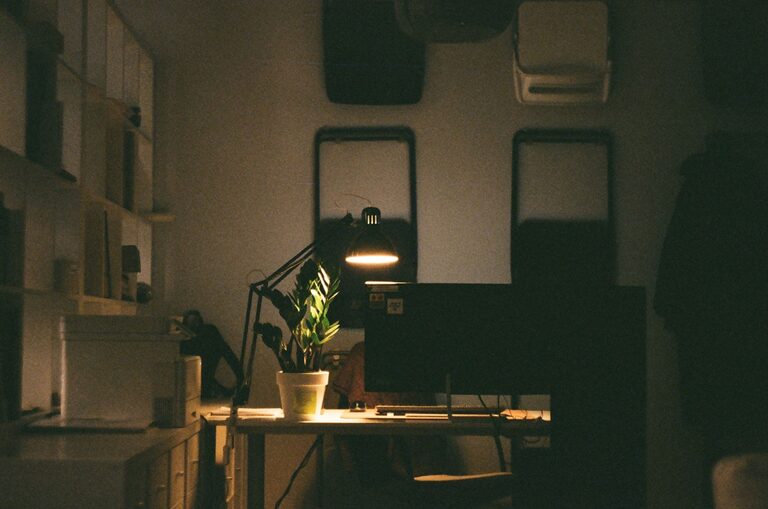
Creating a home workspace that balances comfort and functionality is essential in today’s world, where many people spend significant time working from home. A cozy and well-organized workspace can boost your productivity, reduce stress, and make your workday more enjoyable. If you’re looking to improve your home office, this guide offers practical tips to help you design a space that feels both welcoming and efficient.
1. Choose the Right Location
Your workspace location can have a significant impact on your focus and comfort. Here are some things to consider when picking the perfect spot:
– Natural Light: Aim for a space with plenty of natural light. Sunlight helps keep you alert and can improve your mood.
– Quiet Environment: Pick a place where you can minimize distractions and noise. This will make it easier to concentrate.
– Proximity: If possible, choose a location near a power source and with good internet connectivity.
2. Invest in Comfortable Furniture
Comfortable furniture is the foundation of a functional workspace. Your choices should support good posture and reduce strain:
– Ergonomic Chair: A chair with good lumbar support helps prevent back pain during long hours of sitting.
– Adjustable Desk: Consider a desk that allows you to change between sitting and standing positions.
– Desk Size: Ensure your desk is large enough for your computer, paperwork, and any other essentials without feeling cramped.
3. Organize Your Space
A tidy workspace enhances productivity and reduces stress. Try these organizing tips:
– Use Storage Solutions: Drawers, shelves, and file organizers keep your supplies within reach but out of sight.
– Declutter Regularly: Remove unnecessary items to maintain a clean environment.
– Arrange for Efficiency: Place frequently used items near your primary work area.
4. Personalize Your Workspace
Adding personal touches can make your workspace feel cozy and inviting:
– Decor: Use artwork, plants, or decorative objects that inspire you without overcrowding the area.
– Colors: Choose calming or motivating colors based on your preferences. Soft blues and greens can be relaxing, while bright colors like yellow can boost energy.
– Lighting: Apart from natural light, use adjustable lamps or warm bulbs to create a welcoming atmosphere.
5. Manage Cables and Technology
A clutter of cables can detract from your workspace’s neatness. Keep your tech setup functional with these strategies:
– Cable Organizers: Use clips, sleeves, or ties to keep cords neat and untangled.
– Charging Station: Designate a spot for charging devices to avoid scattered chargers and cords.
– Tech Maintenance: Keep your computer and peripherals clean and updated for smooth performance.
6. Maintain Healthy Habits
Your workspace design also plays a role in your physical and mental well-being:
– Take Breaks: Set reminders to stand, stretch, or walk around regularly.
– Incorporate Movement: A standing desk or ergonomic accessories like a footrest can encourage better posture.
– Air Quality: Ensure good ventilation or add an air purifier for a fresh environment.
7. Adapt Your Workspace Over Time
Your needs might change, so remain flexible:
– Seasonal Adjustments: Change lighting or decor according to the season to keep the space refreshing.
– Upgrade Equipment: Replace or enhance tools and furniture as needed to stay comfortable.
– Rearrange Layout: Experiment with the setup to find what best suits your workflow.
Conclusion
Designing a home workspace that is both cozy and functional doesn’t have to be complicated. By choosing a good location, investing in quality furniture, organizing thoughtfully, and personalizing your space, you can create an environment that supports productivity and well-being. Remember to keep your workspace adaptable and maintain healthy habits for the best work-from-home experience. Whether you have a dedicated room or a small corner, these tips can help you make the most of your home office.