
Creating a home office that feels both cozy and productive can make a significant difference in how you approach your workday. Whether you work remotely full-time or occasionally need a quiet spot to focus, a well-designed workspace helps boost creativity, concentration, and overall well-being. Here are some tried-and-true tips to help you build a home office space that balances comfort and efficiency.
Choose the Right Location
Find a Quiet Spot
Select a location in your home with minimal distractions. This might be a spare room, a corner in your living room, or a nook by the window. The key is finding a space where noise and foot traffic are limited, allowing you to focus on your tasks.
Consider Natural Light
If possible, position your desk near a window. Natural light improves mood, reduces eye strain, and helps maintain your body’s natural rhythms. Avoid glare on your screens by placing your desk perpendicular to the window rather than directly facing or backing it.
Invest in Comfortable Furniture
Ergonomic Chair
Investing in an ergonomic office chair is essential to support good posture and reduce back strain. Look for adjustable height, lumbar support, and comfortable cushioning.
Functional Desk
Choose a desk that fits your space and work style. If you prefer standing, consider an adjustable height desk. Make sure the surface is large enough to accommodate your computer, notebooks, and any other essentials without clutter.
Organize to Minimize Clutter
Storage Solutions
Keep your workspace tidy with storage options like shelves, drawers, or organizers. This will make it easier to find supplies and maintain a clean environment, which supports productivity.
Cable Management
Tangled cables can be distracting. Use cable clips, sleeves, or boxes to keep wires organized and out of sight, promoting a neat and calming workspace.
Add Personal Touches
Decorate with Care
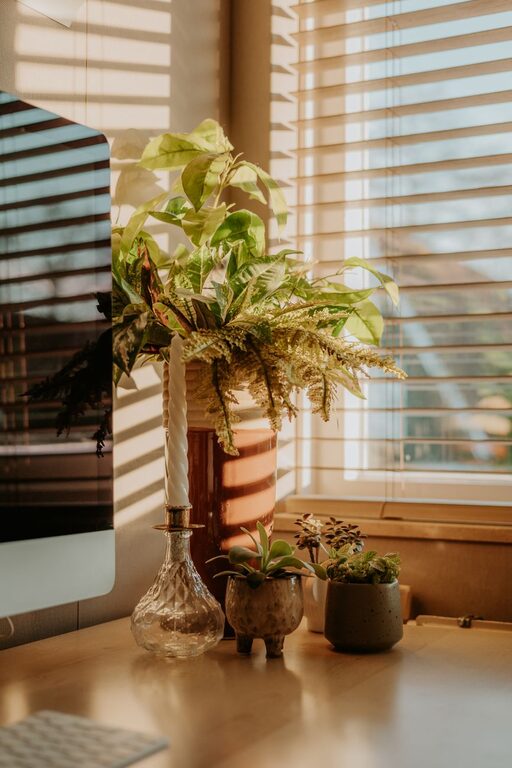
Add elements that inspire and comfort you without overwhelming the space. Photos, plants, or artwork can make your office feel welcoming and personal.
Use Calming Colors
Choose color schemes that promote focus and relaxation. Soft blues, greens, or neutrals are often good choices for a calming atmosphere.
Improve Lighting and Reduce Eye Strain
Layer Your Lighting
Combine natural light with task lighting and ambient light. A desk lamp with adjustable brightness helps reduce eye strain during evening hours or on cloudy days.
Screen Positioning
Place your computer screen at eye level and around an arm’s length away to reduce neck strain and improve viewing comfort.
Minimize Distractions
Sound Control
Consider noise-cancelling headphones or gentle background music to help block out distractions. If noise is a problem, adding soft furnishings like rugs and curtains can help absorb sound.
Set Boundaries
If you share your space with others, communicate your working hours and needs for privacy to minimize interruptions.
Incorporate Productivity Tools
Digital Tools
Use apps and software for task management, note-taking, and scheduling to help keep your work organized.
Analog Tools
Keep a notepad or planner handy for jotting down quick ideas or to-do lists to stay on track throughout the day.
Maintain a Healthy Routine
Take Breaks
Regular breaks improve focus and reduce fatigue. Try stepping away every hour for 5-10 minutes to stretch or walk.
Stay Hydrated and Comfortable
Keep water nearby and adjust room temperature to stay comfortable. Proper hydration and comfort support sustained productivity.
—
Designing your home office space to be both cozy and productive doesn’t require a complete overhaul. Small changes like updating your chair, adding plants, and improving lighting can make a big difference. Remember, the goal is to create an environment where you feel comfortable and motivated to do your best work every day. Happy decorating!